

6 Signs Your Wireless Charger Is Too Slow for Your iPhone (And What to Upgrade To)
.webp&w=3840&q=75)
6 Signs Your Wireless Charger Is Too Slow for Your iPhone
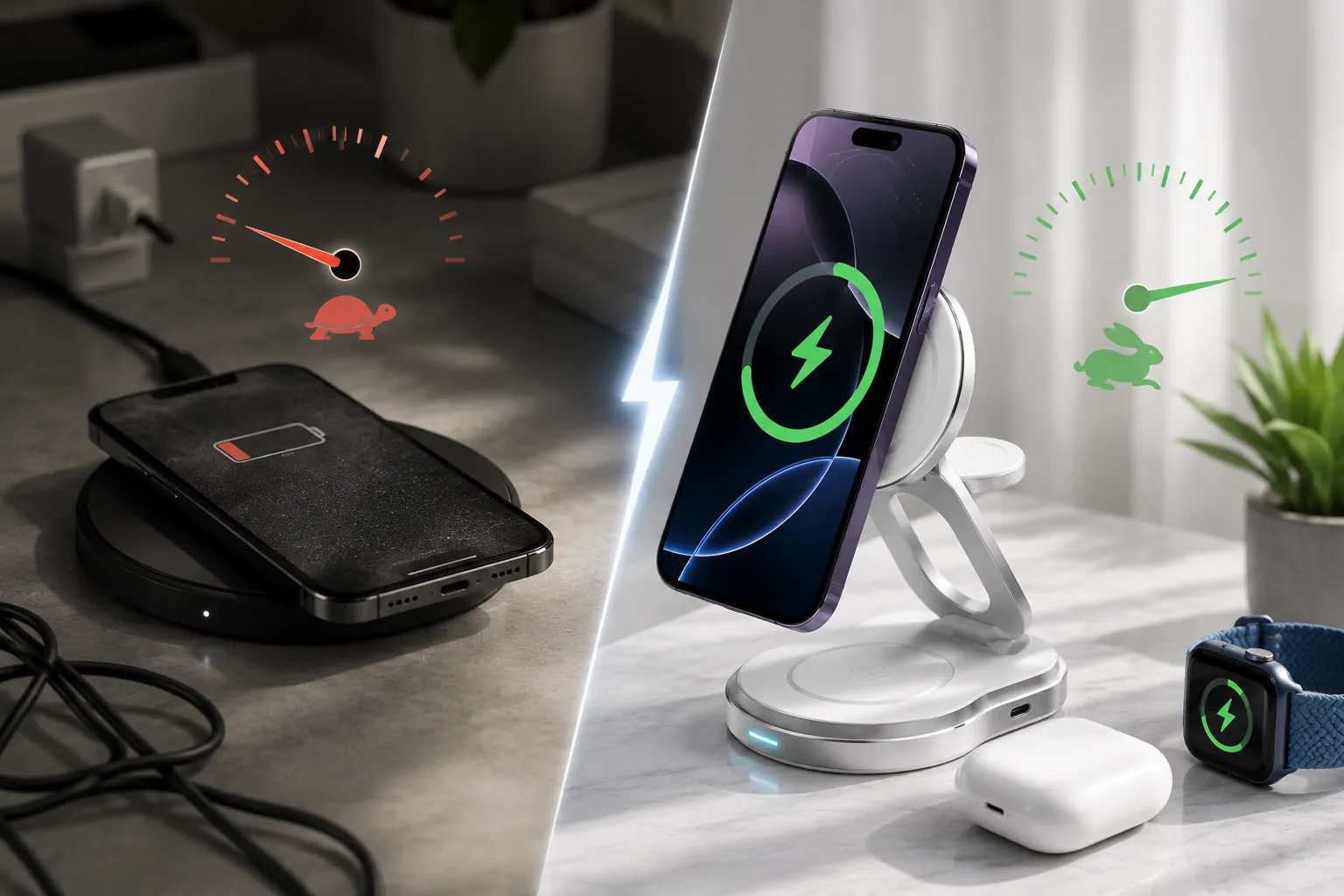
The six signs your wireless charger is too slow for your iPhone are: your phone shows a Slow Charger warning in iOS 26, your phone barely gained charge after a full hour on the pad, charging stops randomly overnight, your phone overheats during wireless charging, you are still using a standard Qi 7.5W pad on an iPhone that supports 15W MagSafe, and the charger consistently fails to start when the phone is placed on the pad. Each of these points to a specific issue with the charger rather than the phone, and each has a direct fix.
Introduction
You put your iPhone on the wireless charger before going to sleep. Eight hours later it is at 74 percent. That should not be possible, but it happens to millions of Australian iPhone users every night, and most of them blame the phone rather than the charger.
The problem is almost never the phone. iOS manages charging speed based on what the charger can deliver, so a slow, underpowered, or misaligned charger means the battery gains far less charge than a full night should provide.
In 2026 this has become far more visible because iOS 26 now displays a Slow Charger warning directly on the lock screen when the connected accessory falls below Apple's minimum wattage thresholds. This guide explains what each sign means and what upgrade solves it.
Did You Know?
Slow charging and misalignment are among the top reasons wireless chargers get returned in Australia, making it harder for shoppers to tell a genuinely fast charger apart from one that only looks fast on the box.
1. Why Wireless Charging Speed Problems Are Spiking in Australia in 2026
iOS 26 flags any charger that falls short of Apple's minimum wattage thresholds, even if it worked without complaint under iOS 25. The charger has not changed. The phone's ability to measure and report the charger's output has improved.
The second driver is the iPhone 17 series, which supports 25W wireless charging through Qi2.2, raising the performance ceiling above the older 15W MagSafe standard, so a 7.5W or 15W charger now visibly leaves speed on the table.
The third driver is the surge in third party accessories. As the category has grown, more uncertified or poorly specified products have entered the market alongside genuinely certified ones, making it harder to tell which product actually delivers the speed printed on the box.
2. The Wireless Charging Speed Standards Explained
Understanding which standard your charger supports is the foundation for diagnosing any slow wireless charging iphone problem.
Standard | Max Speed | Alignment | Compatible With |
|---|---|---|---|
Standard Qi | 7.5W | Manual only | iPhone 8 and later |
Qi2 | 15W | Magnetic snap | iPhone 12 and later |
MagSafe | 15W | Magnetic snap | iPhone 12 and later |
Qi2.2 | 25W | Magnetic snap plus NFC | iPhone 17 series |
The practical difference between 7.5W and 15W is not subtle. At 7.5W, an iPhone gains approximately 0.5 percent charge per minute. At 15W, it gains approximately 1 percent per minute. Over an eight-hour night, the difference is approximately 60 versus 120 percent of battery capacity added, assuming perfect alignment throughout.
For a complete breakdown of what each standard delivers across every current iPhone model, the Fast Wireless Charging Explained guide covers every device and standard combination.
3. The 6 Signs Your Wireless Charger Is Too Slow
3. The 6 Signs Your Wireless Charger Is Too Slow
Sign 1: Your iPhone Shows a Slow Charger Warning in iOS 26
If this warning appears, it is a direct report from iOS that the charger is not meeting the minimum specification for your device, and needs no further diagnosis. Replace the charger with a MagSafe or Qi2 certified accessory rated at 15W or higher, and the warning disappears once a compliant accessory is connected.
Sign 2: Your Phone Barely Moved After an Hour on the Pad
A fully powered 15W MagSafe charger adds roughly 60 percent battery to an iPhone 16 in one hour. If your phone has gained only 10 to 20 percent in that time, the charger is underpowered, misaligned, or starved by a low wattage wall adapter. A 15W wireless charger fed by a 5W USB-A adapter cannot deliver 15W no matter what is printed on the charger itself.
Sign 3: Charging Stops and Restarts During the Night
A charger that charges for twenty minutes, stops, then restarts is almost always an alignment problem. Standard Qi without magnetic alignment loses contact with the coil when the phone moves during sleep, and the cycle repeats through the night, leaving the phone only partially charged by morning. A MagSafe compatible charger with magnetic snap holds the iPhone in exact position, so this stops happening.
Sign 4: Your Phone Gets Hot During Wireless Charging
Wireless charging is naturally less efficient than wired charging and gives off some heat as a byproduct, so a warm phone is normal. A hot phone that triggers thermal management and slows charging further is a different matter, usually caused by a thick non-MagSafe case trapping heat, severe misalignment turning energy into heat instead of stored charge, or an uncertified charger delivering inconsistent power the battery cannot regulate efficiently.
Sign 5: You Still Use a 7.5W Standard Qi Pad on an iPhone That Supports 15W
This is the most common form of slow wireless charging iphone in Australia in 2026. Millions of Australian iPhone users are using standard Qi wireless pads purchased before MagSafe accessories became widely available. These pads charge at 7.5W and have no magnetic alignment. They are not broken. They are simply the previous generation of the technology.
Any iPhone from the 12 series onward supports 15W MagSafe fast wireless charging. Using a 7.5W pad on these models leaves half the available wireless charging speed unused every single night.
Sign 6: Your Wireless Charger Works at Home But Not in the Car
If a wireless charger works fine at home but delivers slow or inconsistent charging in the car, heat is the likely cause. A standard passive wireless car charger draws power from the car's USB port with no active cooling. In Australian summer, where a car interior can reach 50 to 60 degrees Celsius before the air conditioning cools it down, the charger throttles its output to protect itself, and the phone barely charges in the first ten to fifteen minutes of the drive. A car charger with active semiconductor cooling dissipates heat continuously instead of throttling once heat has already built up.
4. What to Avoid When Replacing a Slow Wireless Charger
Avoid chargers that list a wattage without a certification standard, since they may not trigger fast charging mode at all. Avoid choosing on price alone, since the cheapest accessories are the ones most often returned for slow charging and misalignment. Avoid pairing a high wattage charger with a low wattage adapter, since a 5W USB-A adapter connected to a 15W pad limits it to whatever the adapter can supply, so use a 20W or higher USB-C adapter. Avoid uncertified car chargers if you drive regularly in Australian summer, since heat widens the gap between passive and actively cooled models.
5. How to Diagnose Your Wireless Charging Speed Step by Step
Step 1: Check for the iOS 26 Slow Charger warning, which already diagnoses the issue for you.
Step 2: Note the battery percentage at the start of a one hour charge. A 15W MagSafe charger should add 50 to 60 percent in that time.
Step 3: Check the rating on the wall adapter powering the charger. A 5W adapter cannot feed any wireless charger rated above 7.5W.
Step 4: Remove the phone case and try again. If speed improves, the case is causing thermal or alignment interference.
Step 5: Check whether the charger carries MagSafe or Qi2 certification. If not, it is likely a standard Qi accessory capped at 7.5W.
Step 6: Test the car charger separately from the home charger. If home is fast but the car is slow, the car environment may be the issue in hot weather.
6. Common Mistakes That Make Wireless Charging Slower
A damaged or low quality cable between the adapter and the pad reduces the power reaching it. Placing the phone at an angle reduces coil contact on a standard Qi pad, though a MagSafe pad prevents this. A very thick case is worth testing once. A very hot phone signals wasted energy, not efficient charging, and the iOS 26 warning should be treated as a diagnostic report, not a cosmetic notification.
7. Practical Tips for Getting Full Speed from Your Wireless Charger
Use a MagSafe-rated case rather than a standard case. MagSafe-rated cases maintain full magnetic contact and full 15W charging speed. Standard thick cases reduce both.
Power the wireless charger from a 20W or higher USB-C adapter. This is the minimum adapter wattage needed to supply a 15W wireless charger at full output.
For overnight charging, enable Optimised Battery Charging in iOS Settings. This feature holds the battery at 80 percent for most of the night and completes the final 20 percent before your wake time, reducing the time the battery spends at 100 percent under full-charge stress.
For car charging specifically, choose a car charger with active cooling rather than passive heat management if you drive regularly in Australian summer conditions.
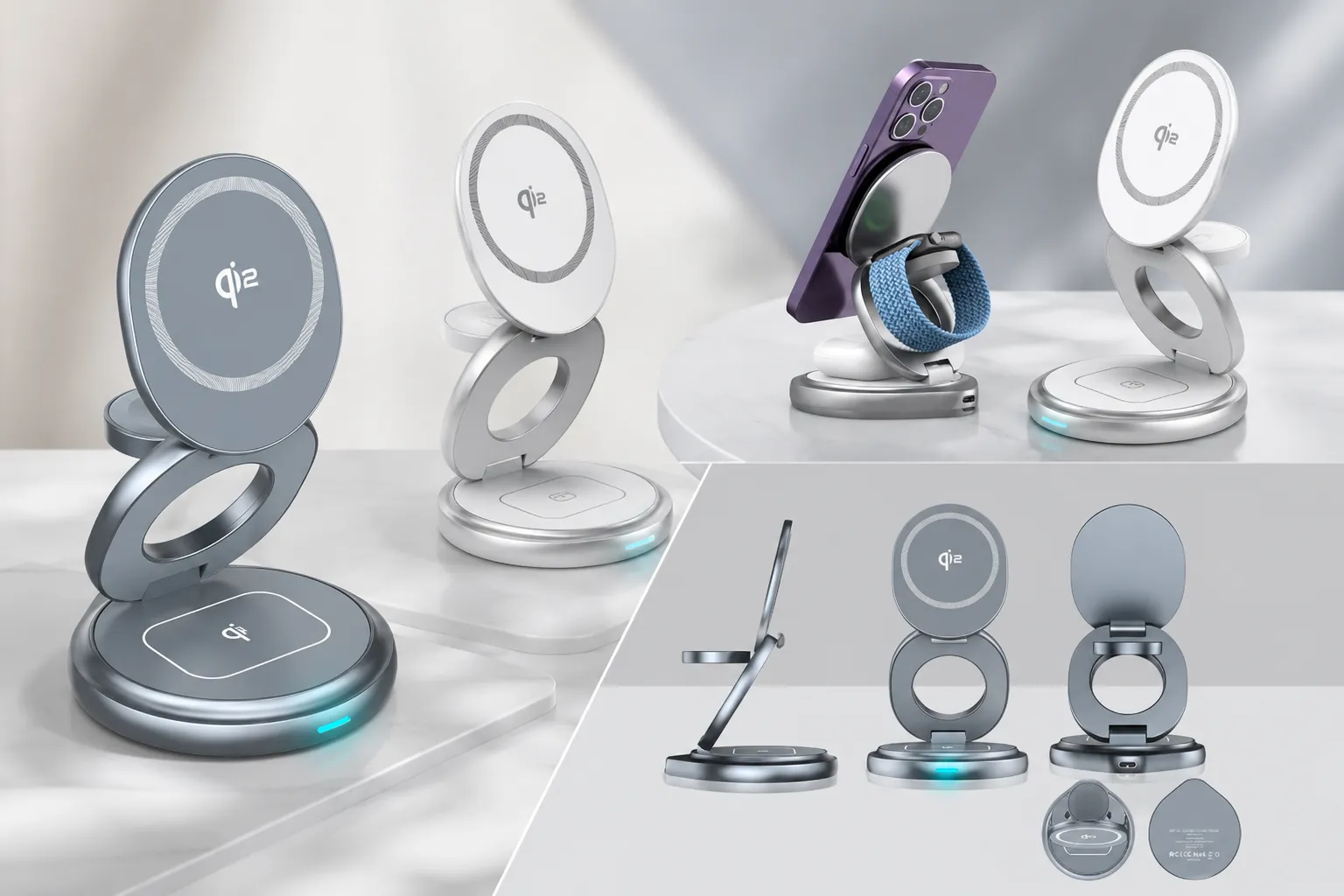
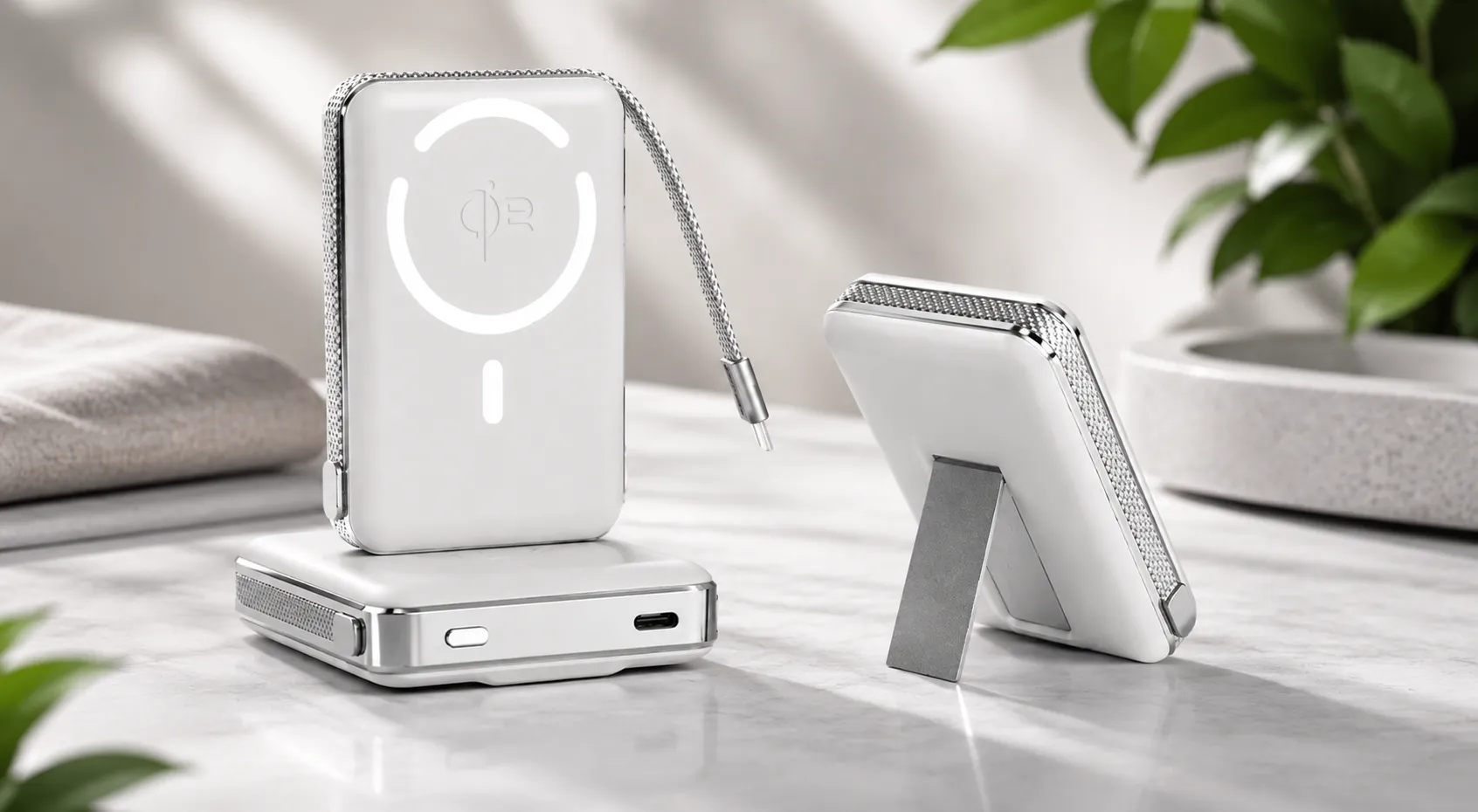
If you charge at a desk or bedside and want the fastest reliable overnight charging experience, a MagSafe-certified desk charger with magnetic snap alignment eliminates misalignment stops and restarts entirely. The Rotating Qi2 Magnetic 3-in-1 Wireless Charger delivers 15W MagSafe fast wireless charging with 360-degree rotation for desk or bedside use, and the MagSafe Power Bank 10,000mAh 35W covers portable fast wireless charging away from wall outlets.
For a broader framework on building a complete wireless charging setup that eliminates slow charging problems across every scenario, the Wireless Charger Buying Guide for Australia covers every decision point.
8. Frequently Asked Questions
1. Why is my wireless charging so slow on my iPhone?
Usual causes: a standard Qi 7.5W pad instead of a MagSafe or Qi2 certified 15W accessory, a low wattage wall adapter, coil misalignment from a lack of magnetic snap, a thick non-MagSafe case, or the phone running warm enough to trigger thermal throttling.
2. What does the iOS 26 Slow Charger warning mean?
A lock screen banner that appears when the connected charger falls below Apple's minimum wattage thresholds. It disappears once a compliant MagSafe or Qi2 certified 15W or higher charger is connected.
3. What is the fastest wireless charging speed available for iPhone in 2026?
iPhone 17, 17 Pro, and 17 Pro Max support 25W through Qi2.2 certified accessories. iPhone 12 through 16 support 15W through MagSafe or Qi2. Standard Qi without magnetic alignment caps at 7.5W on every model.
4. Can a wall adapter cause slow wireless charging?
Yes. A 5W USB-A adapter connected to a 15W charger limits it to 5W, so use a 20W or higher USB-C PD adapter to reach full speed.
5. Why does my wireless charging keep stopping and starting at night?
Almost always coil misalignment. When the phone shifts during sleep, its coil moves off the contact zone on a standard Qi pad, charging stops, and the charger restarts. Magnetic snap alignment prevents this.
6. How do I know if my wireless charger is MagSafe compatible?
The listing will state MagSafe compatibility or Qi2 certification. Bring an iPhone 12 or later near a genuine charger and it snaps into position on its own, with a charging indicator appearing within seconds.
Conclusion
Slow wireless charging iphone problems in 2026 are almost always equipment problems, not phone problems. A standard Qi 7.5W charger without magnetic alignment, a low wattage adapter, or a car charger without active cooling each produce a specific symptom, and the fix is the same: a MagSafe or Qi2 certified accessory with magnetic snap alignment, rated at 15W or higher, powered by a sufficient adapter.